Web Development

Web development where near-perfect is the baseline.

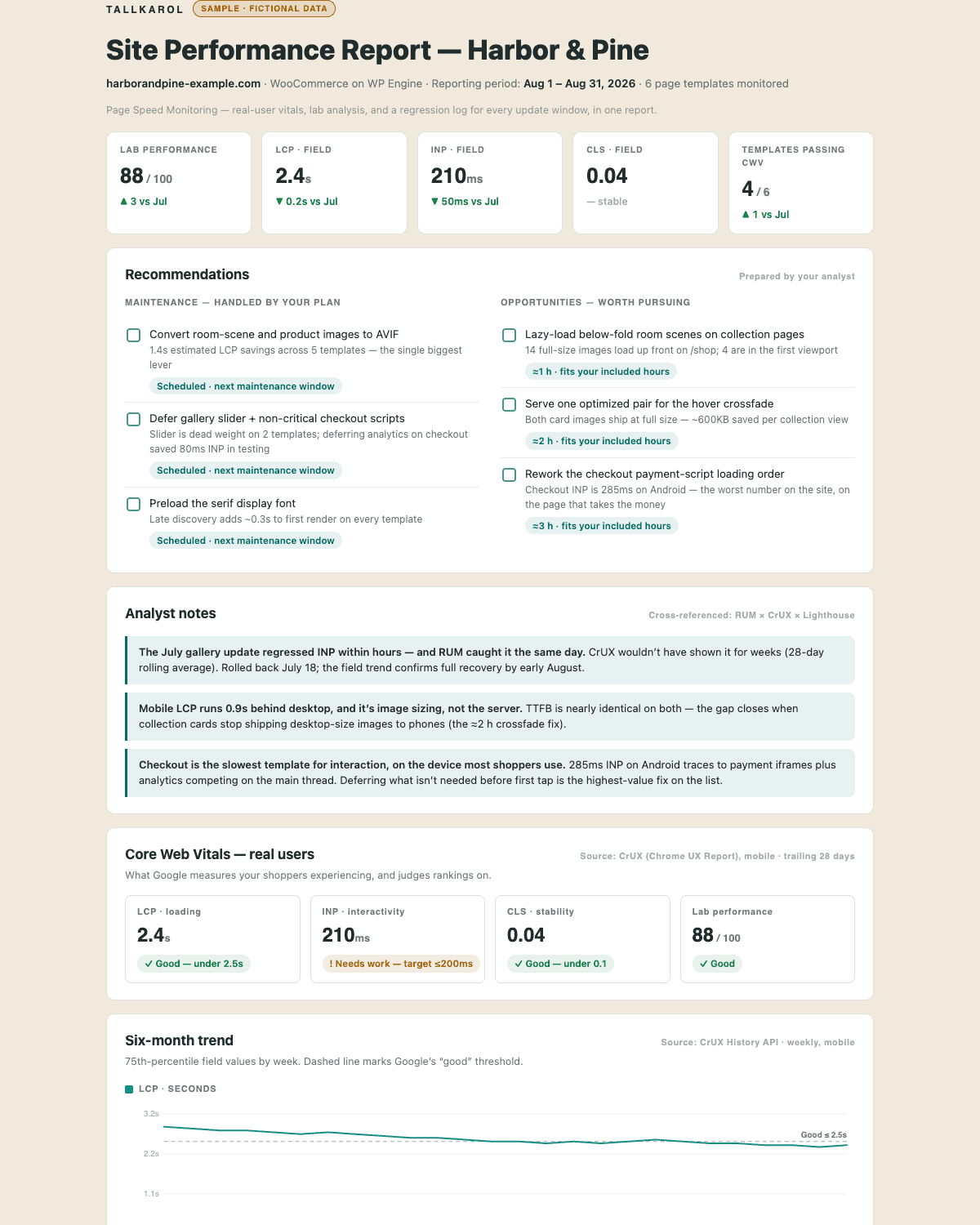
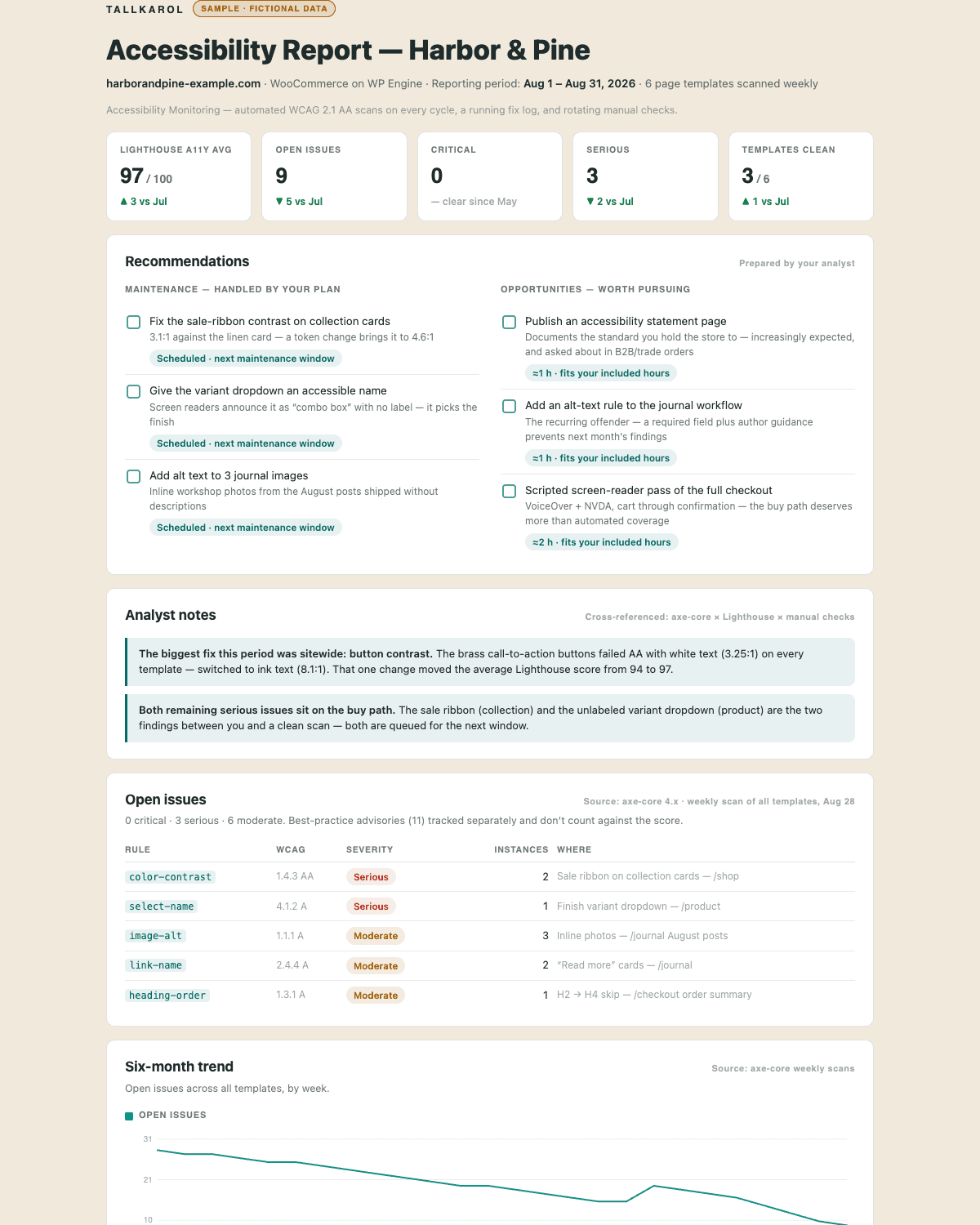
Performance, accessibility, best practices, SEO — this site holds a near-perfect Lighthouse report across all four, on mobile, throttled, in production. That's the bar every build ships against.

Sites that load fast and get found.

Not a launch-day screenshot — the standard a site keeps. The page you're reading is a production build under the same rules your site would get: performance, accessibility tested to WCAG AA, best practices, and SEO, measured on mobile and throttled. Run the audit on it yourself.

  • Performance — passed
  • Accessibility — passed
  • Best Practices — passed
  • SEO — passed
  • 2/2Agentic Browsing

Fast is the easy half.

Two things decide whether a site still works a year after launch: whether your team can change it without me, and whether anyone was willing to say no while it was being built.

Yours to run

No retainer required to change your own copy.

A site your team can't edit is a site that goes stale. The editing system is a design requirement here, not a handover afterthought.

  • Editor-first content models, not developer-only templates
  • Training and written docs at handoff, not just credentials
  • Hosting, domain, and repository in your name — not rented back to you

The honest no

What I won't ship.

Most of what goes wrong with a website was agreed to in a meeting where nobody wanted to be difficult. Some things are worth being difficult about.

  • A builder-bloated site that scores 40 on a phone
  • A redesign that quietly drops the rankings you already had
  • A CMS only I know how to operate
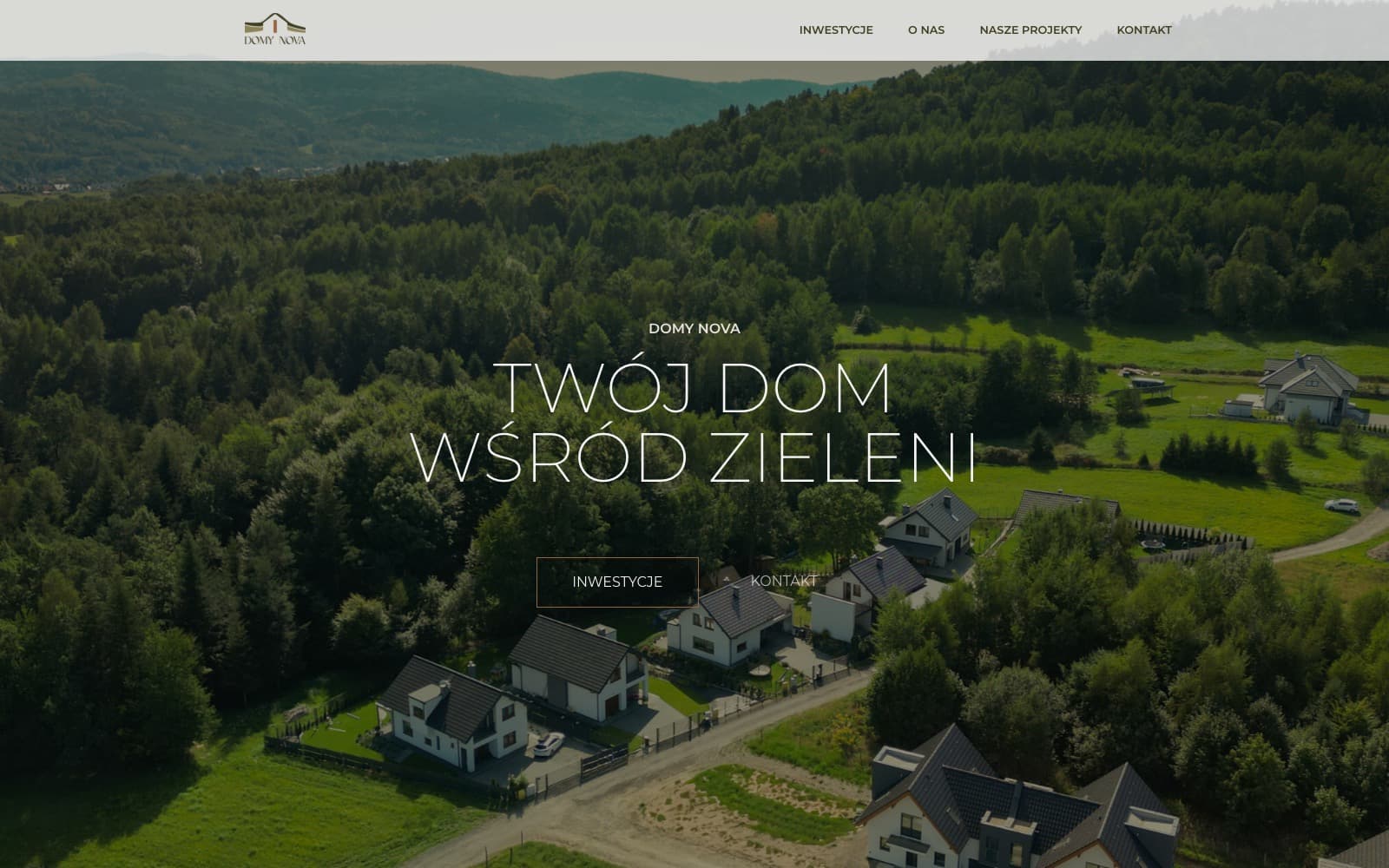
domynova.com
Domy Nova's homepage, showing an aerial photograph of a housing development among forested hills
The same Domy Nova homepage on a phone, with the aerial photograph and navigation stacked for mobile

Performant WordPress

WordPress that would pass its own audit.

The native block editor when you want lean and future-proof, Elementor when your marketers already live in it, enterprise multisite when the estate is bigger than one site. Either way it ships on a performance budget — so the builder never becomes the bloat I get hired to strip out later.

  • Gutenberg or Elementor — whichever your team will actually use
  • WooCommerce when the store belongs inside the site you already run
  • Enterprise multisite, including WordPress VIP
A full Elementor build — Lighthouse, mobile, throttled 4G
Performance
99
Total Blocking Time
0ms
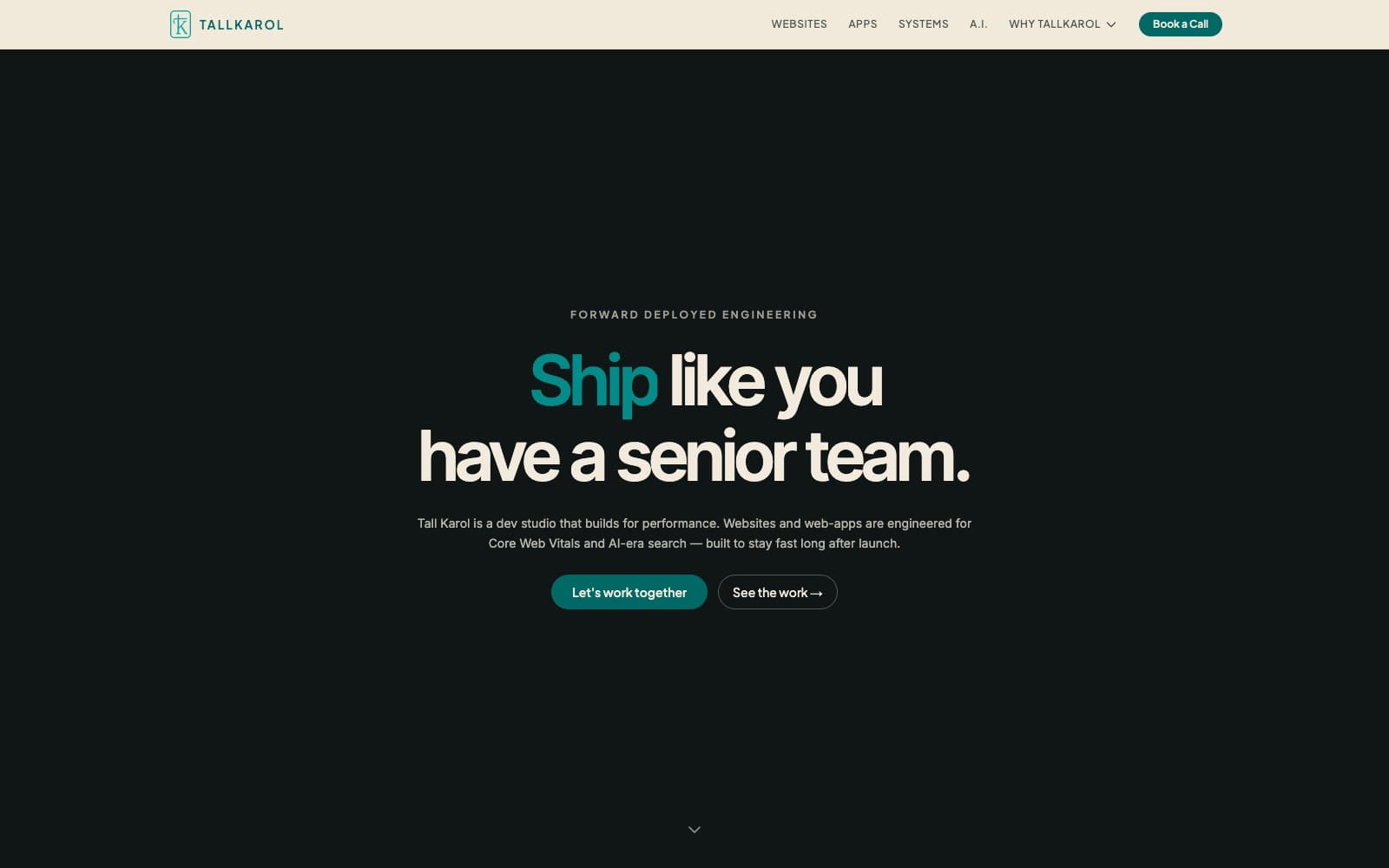
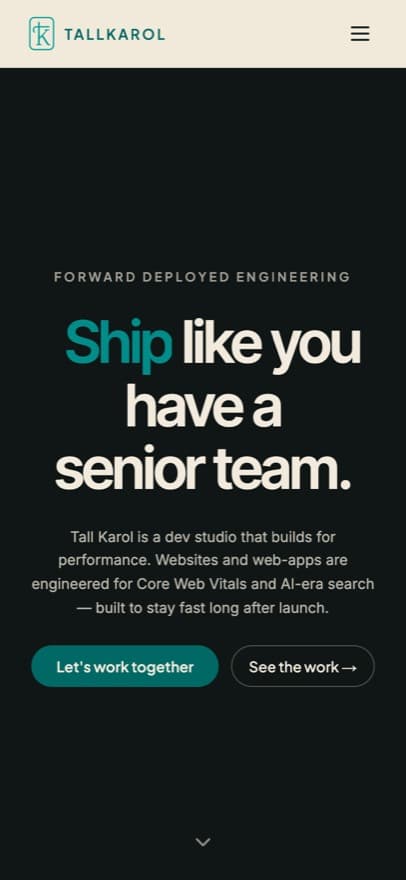
tallkarol.com
The Tall Karol homepage, showing the dark hero and headline over the linen page
The Tall Karol homepage on a phone, with the hero headline and calls to action stacked

Custom React builds

Next.js when the site is the product.

When speed, product features, or tight design control lead, the site gets built like an application: component systems instead of page-soup, rendered on the server, with nothing loading from someone else's CDN by default. The page you're reading is the reference build.

  • Component systems, not page templates your team fights
  • Server-rendered by default — content that never waits on JavaScript
  • No third-party scripts by default, behind a strict CSP that blocks them
This site, in production
Cumulative Layout Shift
0
third-party requests
Zero
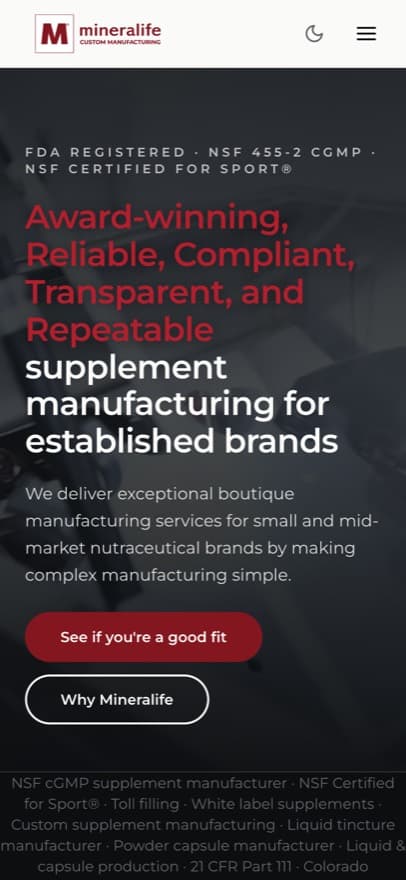
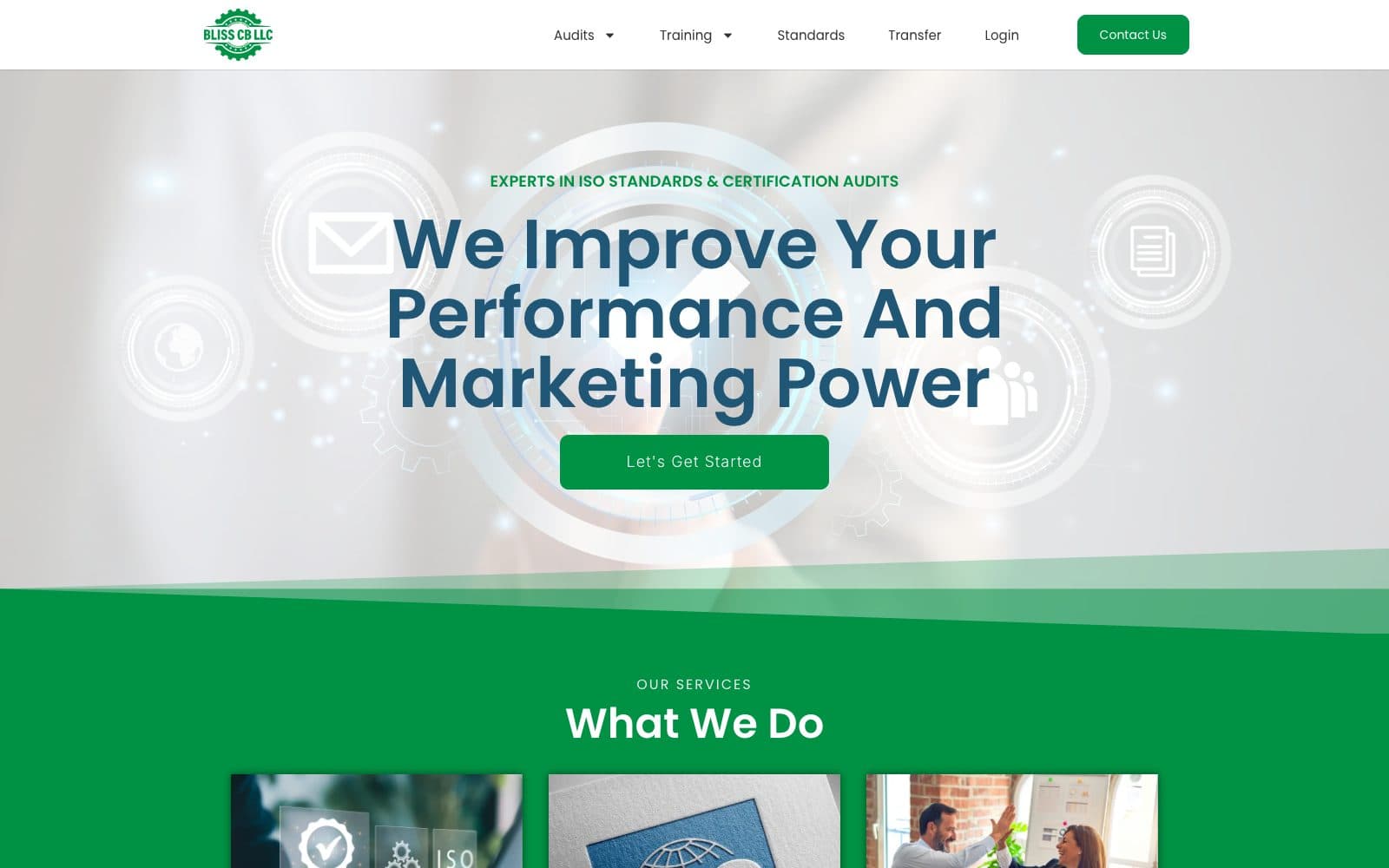
mycustommanufacturer.com
Mineralife's mycustommanufacturer.com homepage, showing the supplement manufacturing hero and certification bar
The Mineralife homepage on a phone, with the certification line and hero headline stacked for mobile

Headless WordPress

Your team's WordPress, on a Next.js front end.

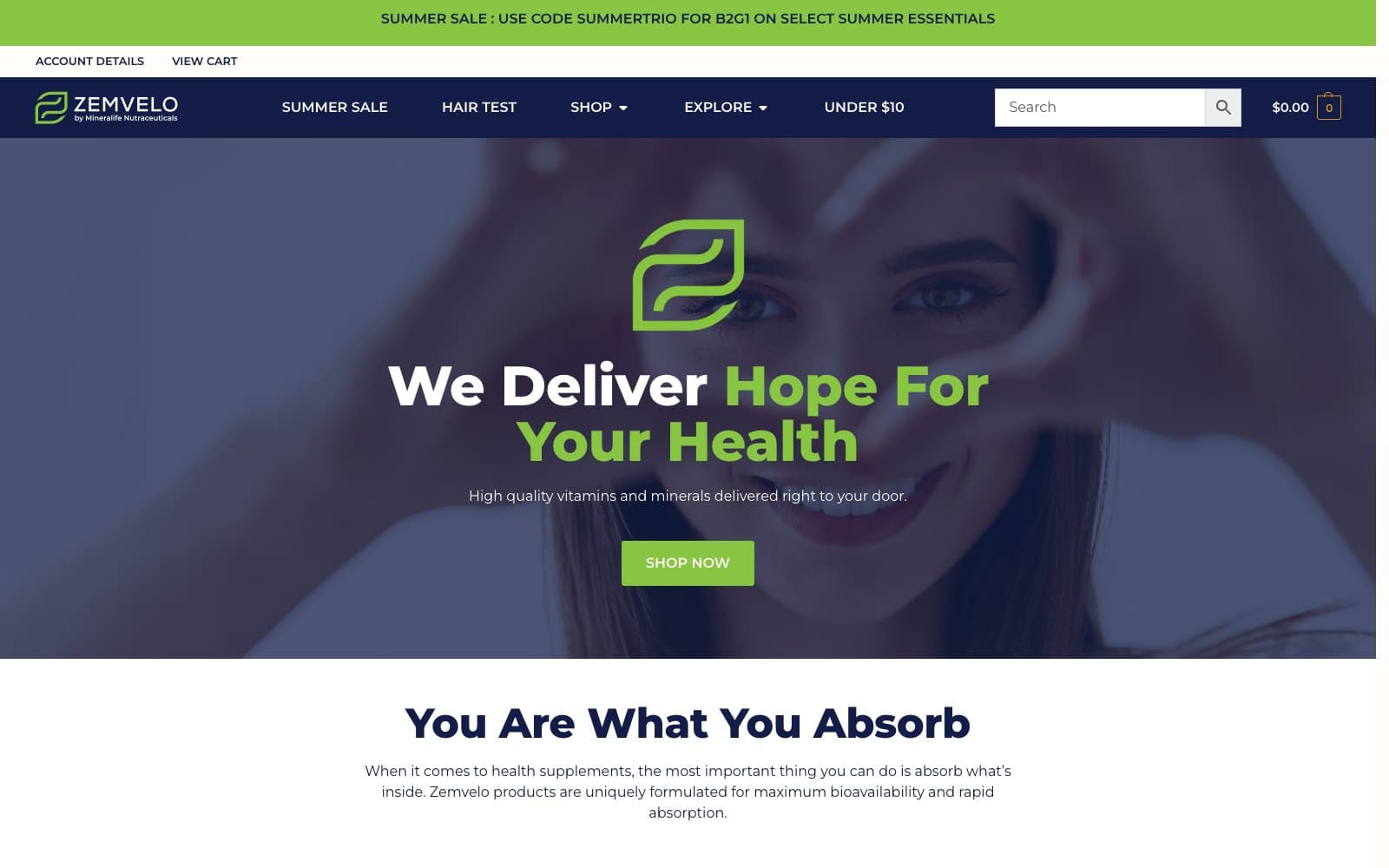
Editors keep the CMS they already know; the public site becomes a React application in front of it. That's how Mineralife's B2B flagship was rebuilt — tuned for AI-era search, with every inquiry feeding a custom CRM instead of an inbox.

  • Editors keep WordPress; visitors get a Next.js front end
  • Schema and content models built to be parsed and cited by AI assistants
  • Inquiries wired into the CRM, not into somebody's inbox
Before → after, mobile, throttled 4G
SEO
61 → 100
Total Blocking Time
1,050ms → 100ms

Whichever way you start.

Build it new

Nothing to migrate. The stack gets chosen for the job the site has to do.

Rescue what you have

Failing Core Web Vitals, plugin pile-ups, page-builder bloat — fixed in place when a rebuild would be overkill.

Migrate it clean

Content mapped, URL structure preserved, redirects verified — rankings arrive intact on the other side.

Available on retainer or by project — same discipline either way.

From audit to handoff.

  1. Step 1

    Discovery

    Content, conversion paths, current rankings — and the redirect map before anything moves.

  2. Step 2

    Architecture

    Stack choice, content model, and a performance budget set before design ships.

  3. Step 3

    Build

    Staged, accessible, and tested against Core Web Vitals throughout — not audited after.

  4. Step 4

    Launch & handoff

    Redirects verified, editors trained, docs delivered. Your team runs the content.

Tooling
  • Next.js
  • React
  • TypeScript
  • WordPress
  • WordPress VIP
  • Elementor
  • WooCommerce
  • Shopify
  • Tailwind CSS
  • Schema.org
  • Core Web Vitals

Sites you can go look at.

In production right now, on three different stacks. Open them in a tab and run whatever audit you like — that's the point.

How pricing works.

Three ways to engage, and a fixed number agreed before any of them starts — no hourly meter, no discovering the price at the end.

Audit

Fixed fee

A review of the site you already have: Core Web Vitals, accessibility, search readiness, and the theme-and-plugin layer underneath.

  • Findings written up in plain language
  • A prioritized fix list, ordered by impact
  • Yours to keep — whoever ends up doing the work

Project

Fixed price, milestone-based

A defined build with the scope and the number agreed before anything starts. WordPress builds typically run 4–6 weeks; custom Next.js 8–12.

  • Milestones you sign off on as they land
  • Performance, accessibility, and schema in scope from the start
  • Launch, handoff, and training included

Retainer

Monthly

Standing engineering capacity for teams that ship continuously — a site that keeps evolving instead of being rebuilt every three years.

  • A predictable monthly block of work
  • Priorities you set, re-set whenever they change
  • Cancel or pause between months

What moves the number

Bring your URL to a 30-minute call and you'll leave with a real range — not a proposal you have to chase.

  • How many distinct templates the site needs
  • Whether design exists or has to be created
  • Content volume, and how clean the migration is
  • Integrations — CRM, marketing, ecommerce, custom

Frequently Asked Questions

Should I build custom or on WordPress?

Whichever the site's job demands. WordPress — classic or headless — when your team publishes constantly and needs full editing control. Next.js when performance, product features, or tight design control lead. I build both, so the recommendation follows the requirements, not the toolbox.

Should I use Gutenberg or Elementor?

Whichever your team will actually use. The native block editor is leaner and ages better with WordPress core; Elementor wins when your marketers already live in it or the design needs its layout control. Built on a performance budget, either holds up — I've shipped Elementor with zero blocking time and zero layout shift.

What is headless WordPress, and do I need it?

Your editors keep the WordPress admin they know, but the public site is served by a Next.js front end instead of a PHP theme. You need it when the site has to be fast and interactive without taking the CMS away from the people who publish. If your team is happy in a well-built classic theme, you don't.

Should I build my store on WooCommerce or Shopify?

WooCommerce when the store belongs inside a WordPress site you already run — one CMS, content and commerce together, full control. Shopify when checkout, payments, and uptime should be handled for you, and some platform lock-in is a fair trade. I build both, so the recommendation follows your catalog and your team — not a platform allegiance.

Can you fix my existing site instead of rebuilding it?

Usually, yes. Failing Core Web Vitals, plugin pile-ups, and page-builder bloat are fixable in place. I audit first — and if a rescue gets you where you need to be, that's what I'll recommend.

How long does a website build take?

A WordPress build typically runs 4–6 weeks; a custom Next.js build 8–12. Rescues and audits land faster. You get a timeline with milestones before work starts.

What does a website cost?

You get a fixed number before any work starts, not an hourly meter. What moves it: how many distinct templates the site needs, whether design already exists, how much content has to migrate and how clean it is, and what has to integrate with your CRM or store. Bring your URL to a 30-minute call and you'll leave with a real range.

Do I own everything when we're done?

Yes. The code, the content, and the accounts are yours — hosting, domain, and repository in your name, not rented back to you. Handoff includes the credentials, the docs, and training for your team, so nothing about running the site depends on me still being around.

Will my team be able to edit the site?

Yes — that's a design requirement, not an afterthought. WordPress builds ship with editing systems marketers can run, plus guides for the workflows your team actually uses. Handoff includes training, not just credentials.

What does AI-era search mean for my site?

More search now flows through AI assistants and agents that read structured data and clean, crawlable content. I build sites those systems can parse and cite — schema markup, semantic pages, fast responses — alongside the classic SEO fundamentals.

Can you migrate my site without losing rankings?

That's the point of doing it carefully: content mapped, URL structure preserved or redirected one-to-one, and rankings verified after cutover. SEO is a first-class requirement of every migration I run, not a casualty of it.

Bring your URL.

30 minutes. I'll run the audit live — Core Web Vitals, accessibility, search — and you'll leave knowing whether you need a rescue, a rebuild, or nothing at all.

Book an intro call